Afaq Al-Hasoob is a company specializing in the sale of electronics and always aims to achieve customer satisfaction and provide high-quality services.
Key Features
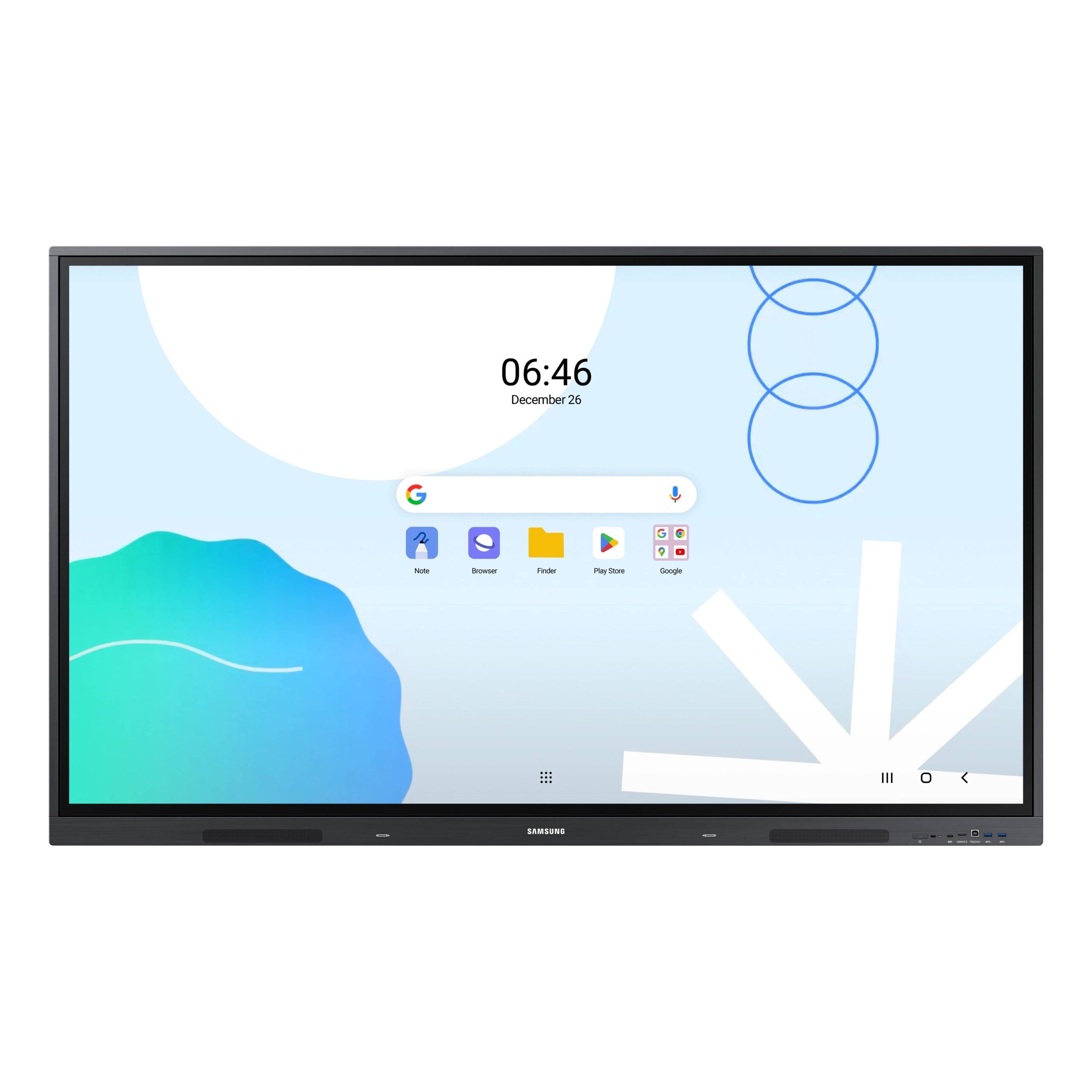
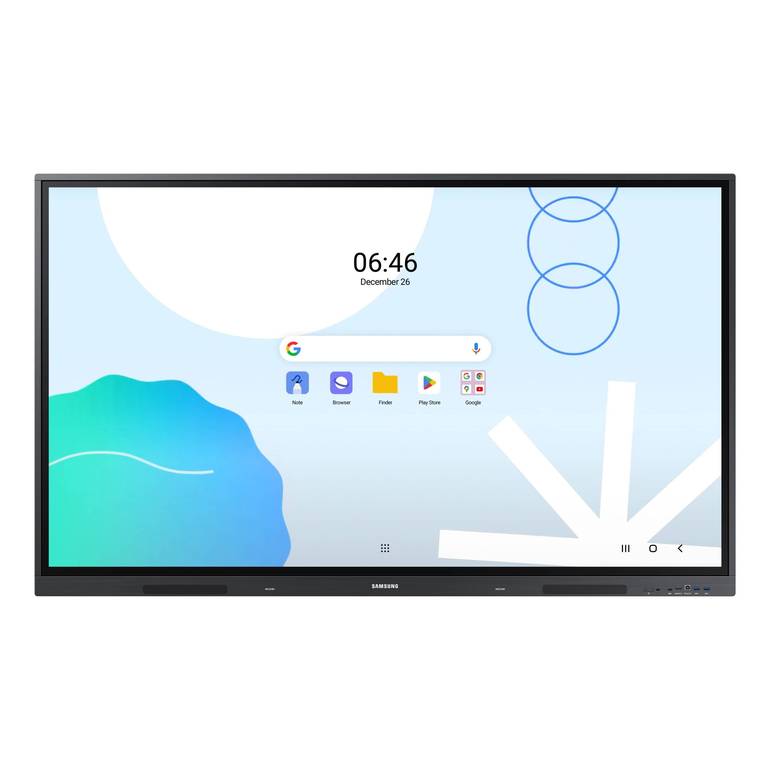
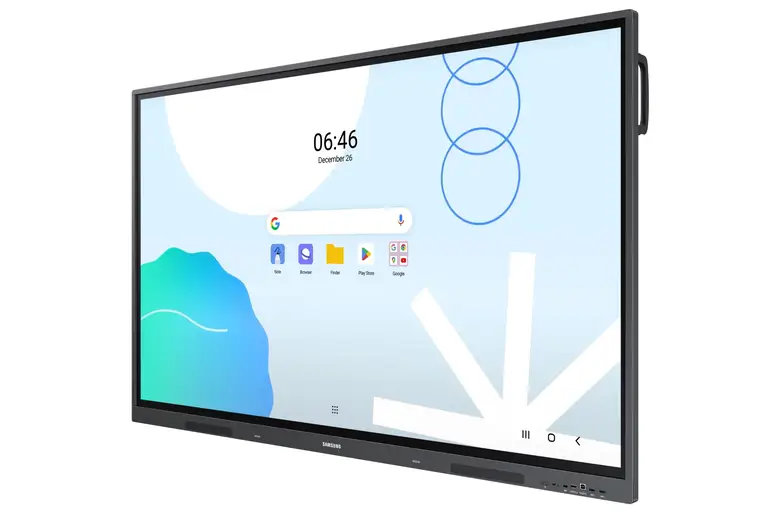
- Familiar and Flexible Android™ OS: The screen provides a user-friendly interface, which reduces learning time and makes it easy for teachers to customize the home screen to suit their needs and the classroom environment.
- Easy Access to Google Services and Applications: Thanks to EDLA certification, teachers can use Google Play apps and services like YouTube and Chrome, allowing them to access rich educational content.
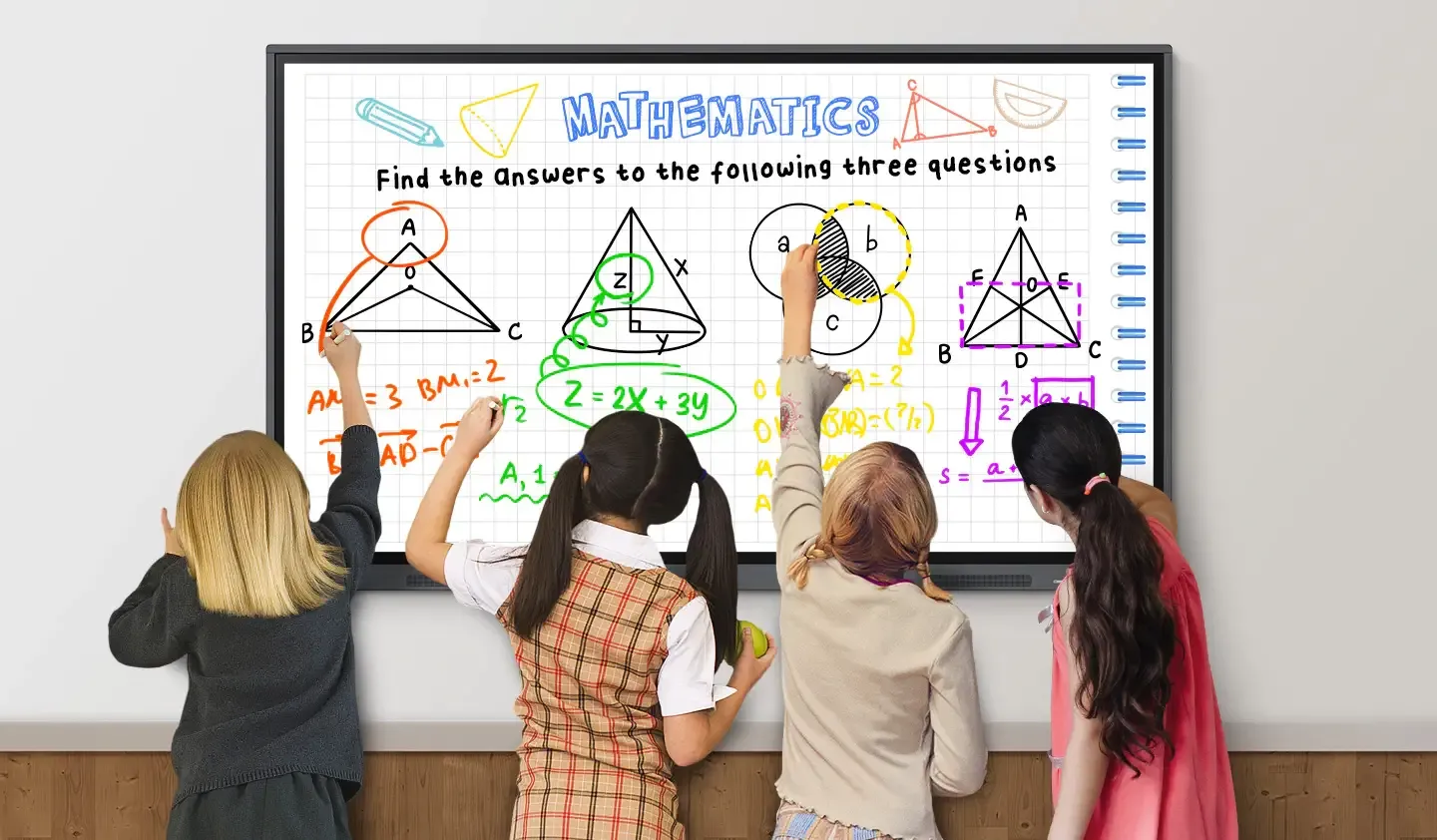
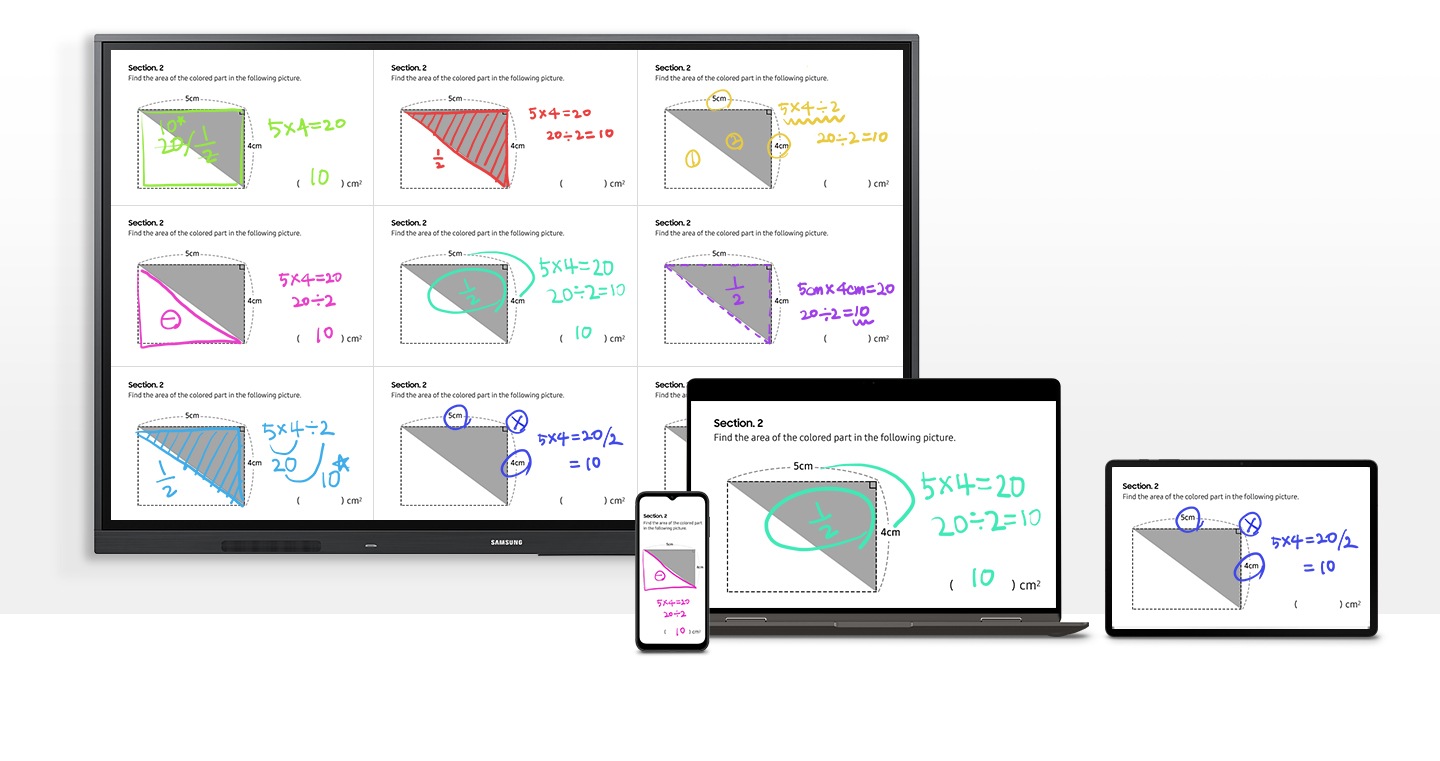
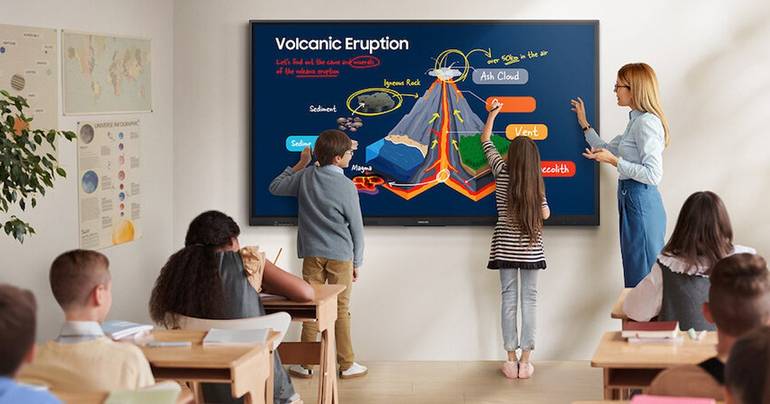
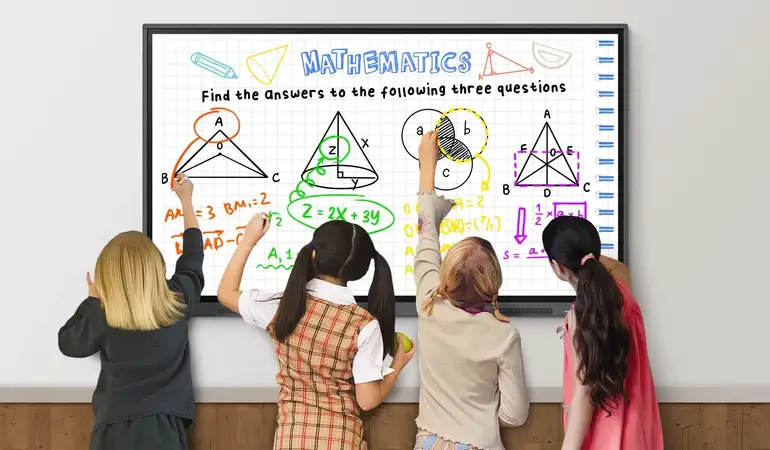
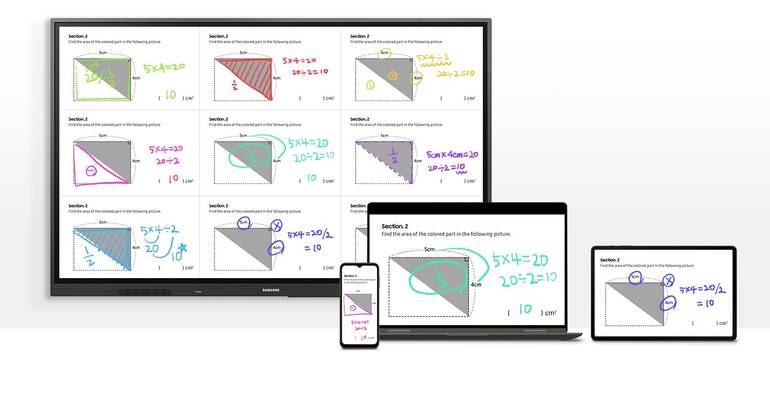
- Advanced Multi-Touch Capability: The screen supports up to 40 simultaneous touch points, making it easy for multiple students and teachers to write and draw together, enhancing collaboration and interaction in the lesson.
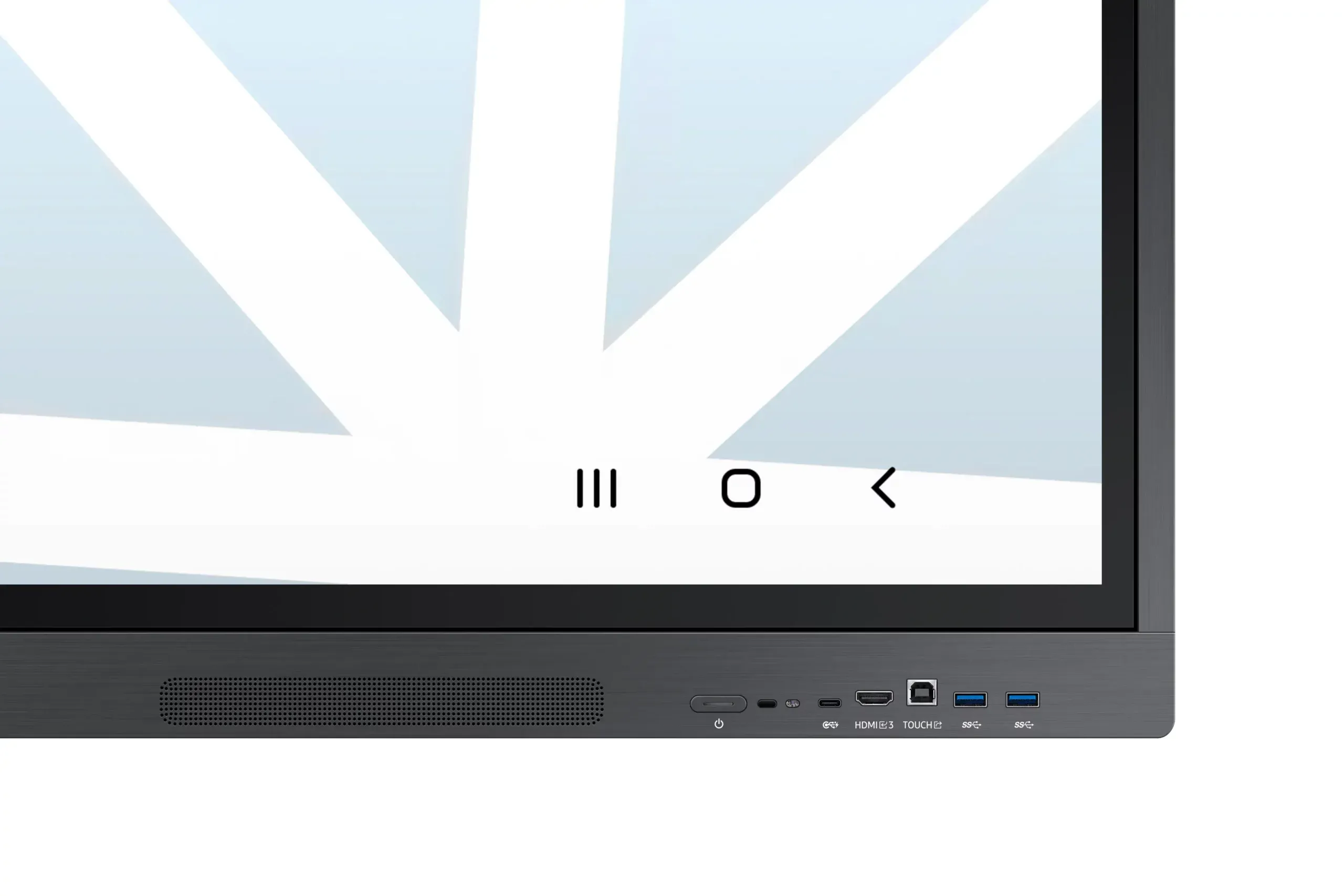
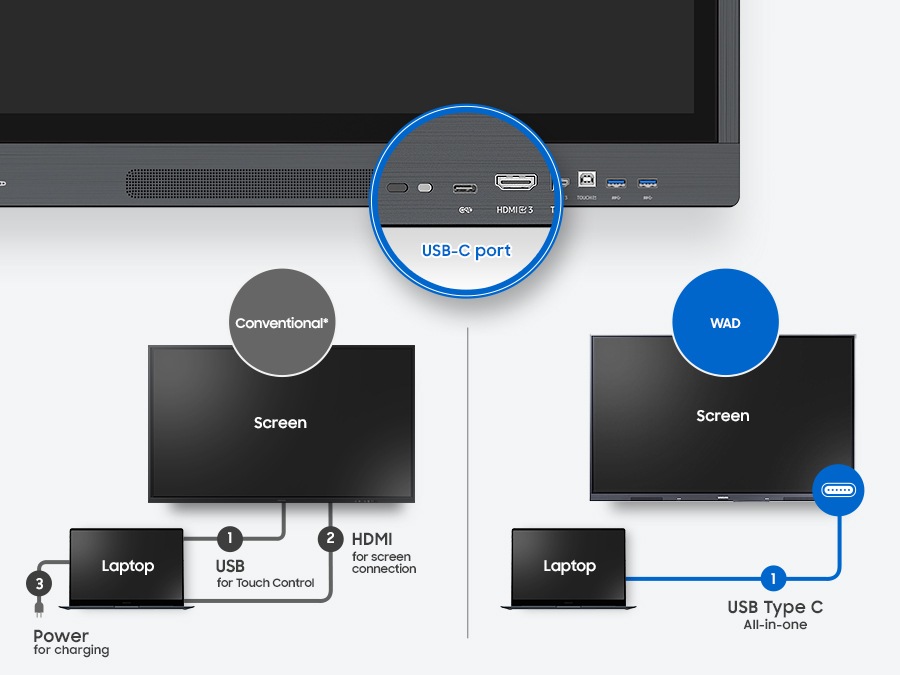
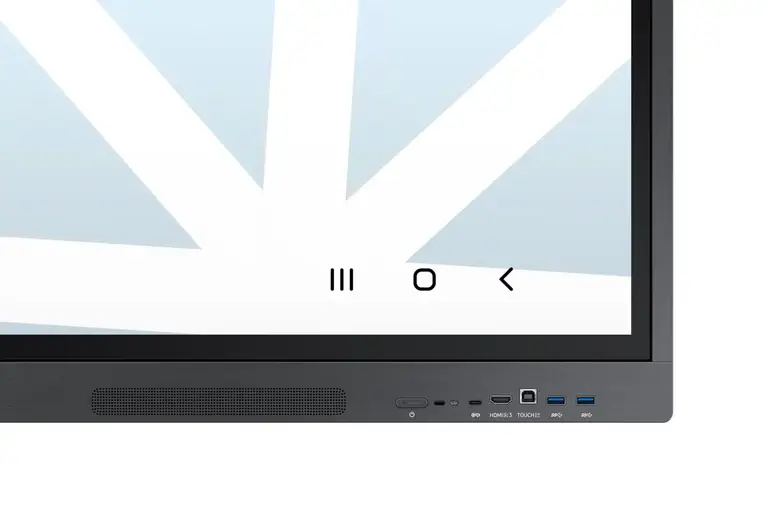
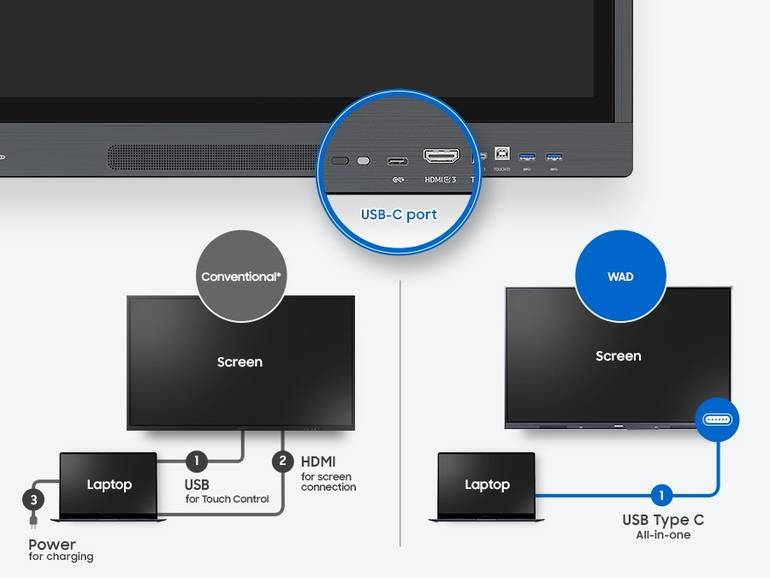
- 3-in-1 USB-C Port for Convenient Connectivity: The front port allows for quick connection of external devices, supporting screen mirroring, touch control, and charging devices with a maximum of 65W.
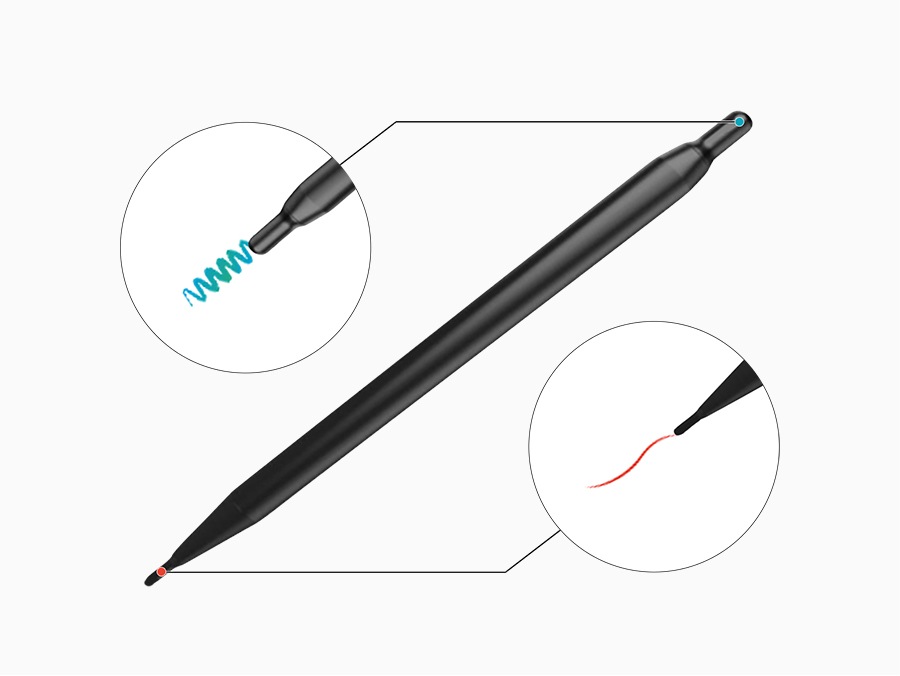
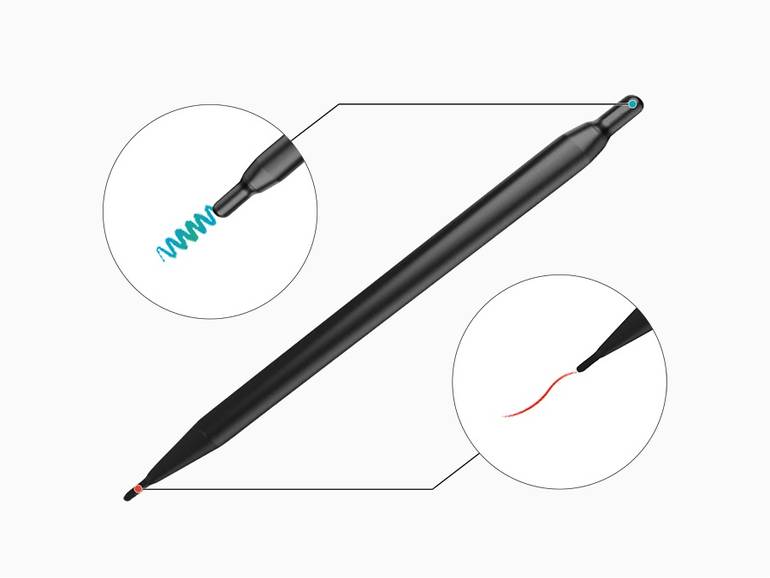
- Dual Pen Feature for Quick Color Switching: The dual-tip pen can be used to switch colors without changing settings, maintaining smooth explanations during brainstorming or presentations.
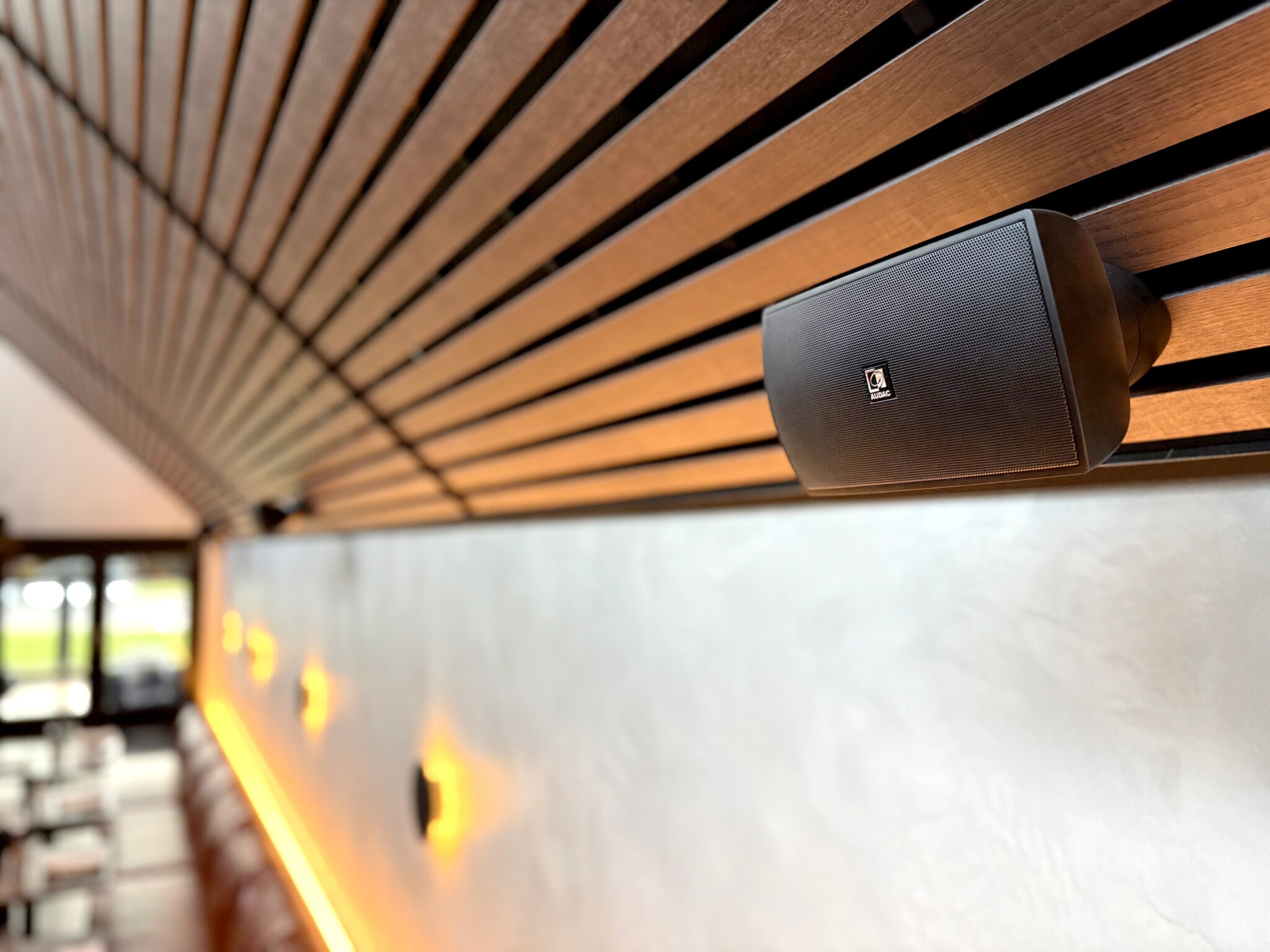
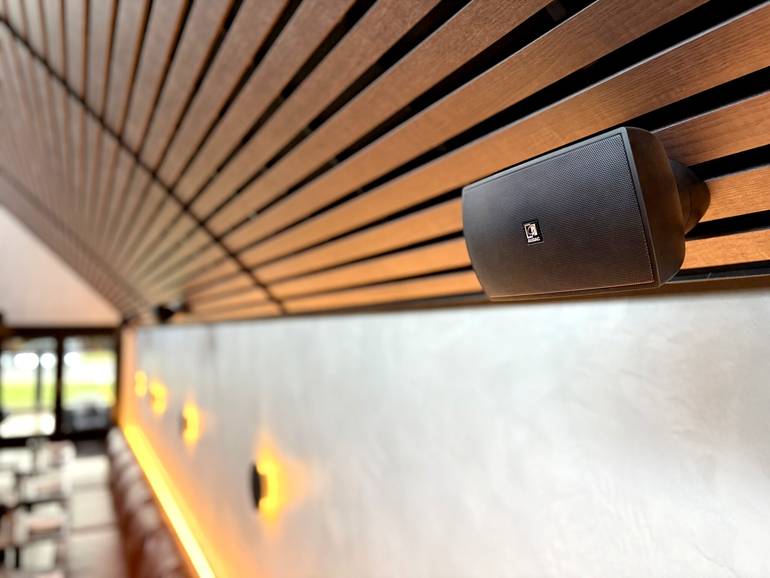
- Built-in Front Speakers: The 15W speakers provide clear and powerful sound, ensuring that audio content reaches all students in the classroom and increases the appeal of lessons.
- HDMI Out for Content Sharing on an Additional Screen: The screen can be connected to another display, allowing students in large classrooms to see content clearly from anywhere.
- OPS (Open Pluggable Specification) Support: An OPS module can be inserted into the screen, turning it into a Windows-based device, providing a complete computer experience without the need for an additional device.
- Remote Device Management Solution: Administrators can manage and monitor multiple screens via the cloud, ensuring operational efficiency and assisting with remote maintenance.
- Sending Alerts and Notifications: The screen allows sending important messages and alerts between different screens in the school, ensuring that urgent updates reach everyone in real-time.
- TUV Certified Eye Care Features: The anti-glare screen panel and blue light reduction features reduce eye strain, allowing students to focus for longer periods.
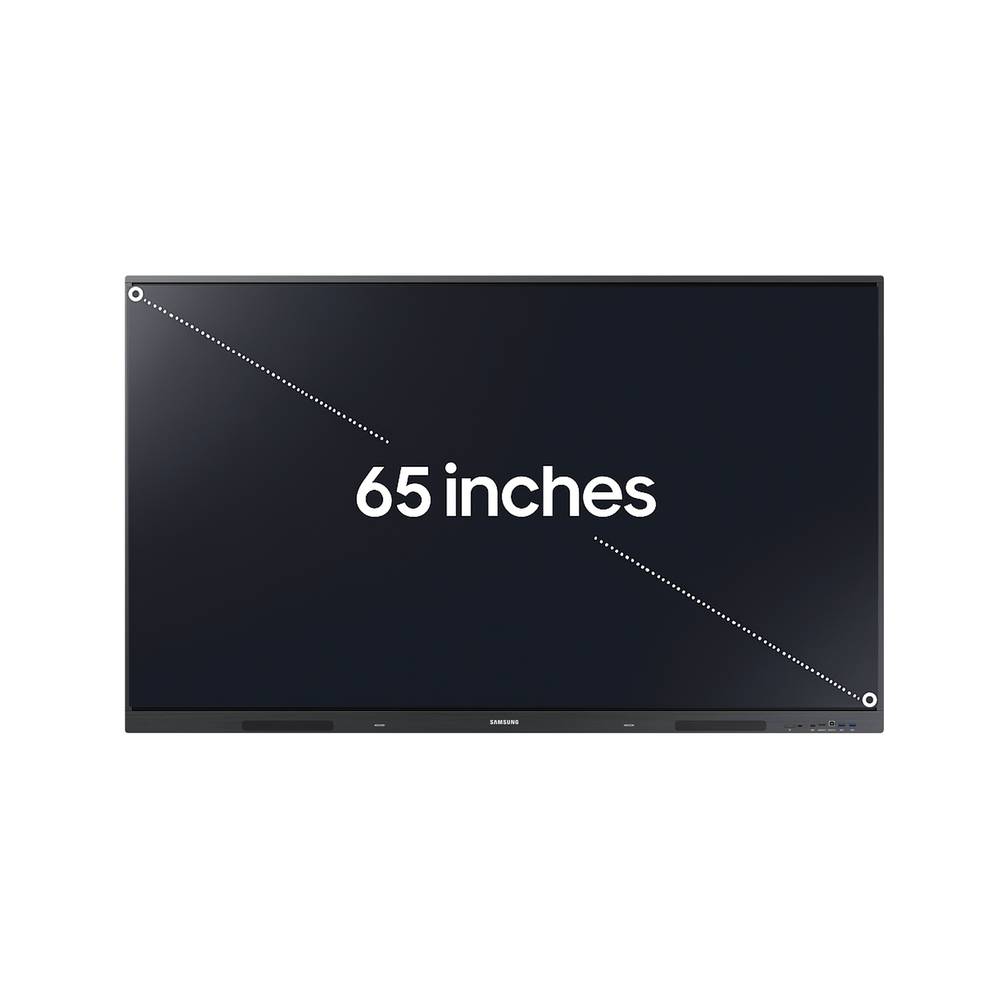
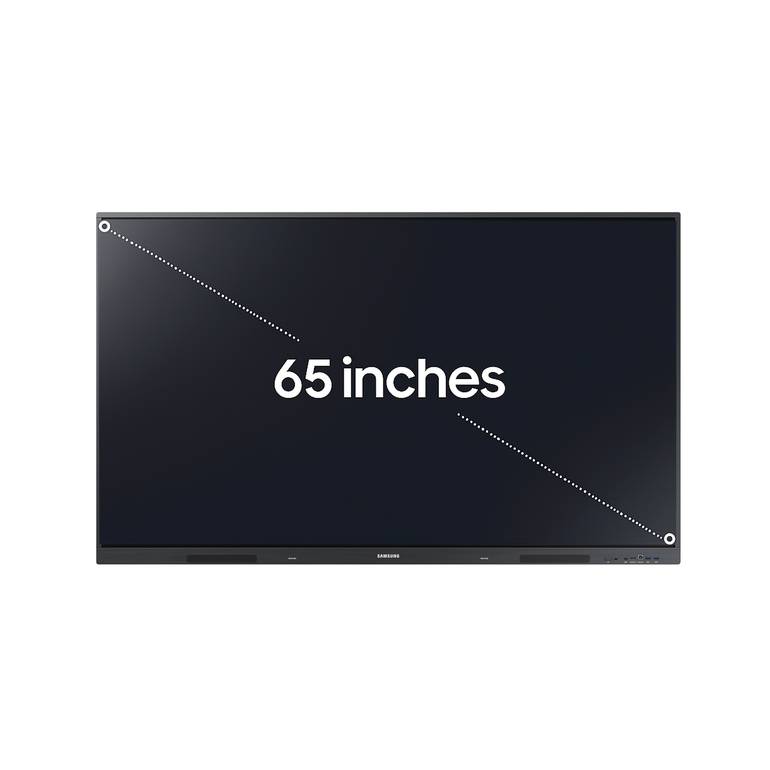
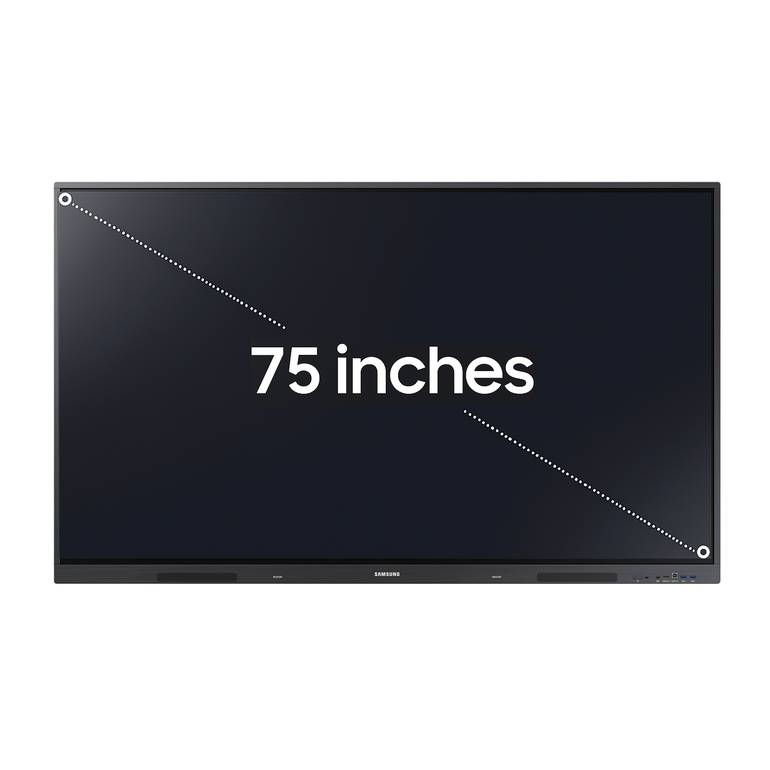
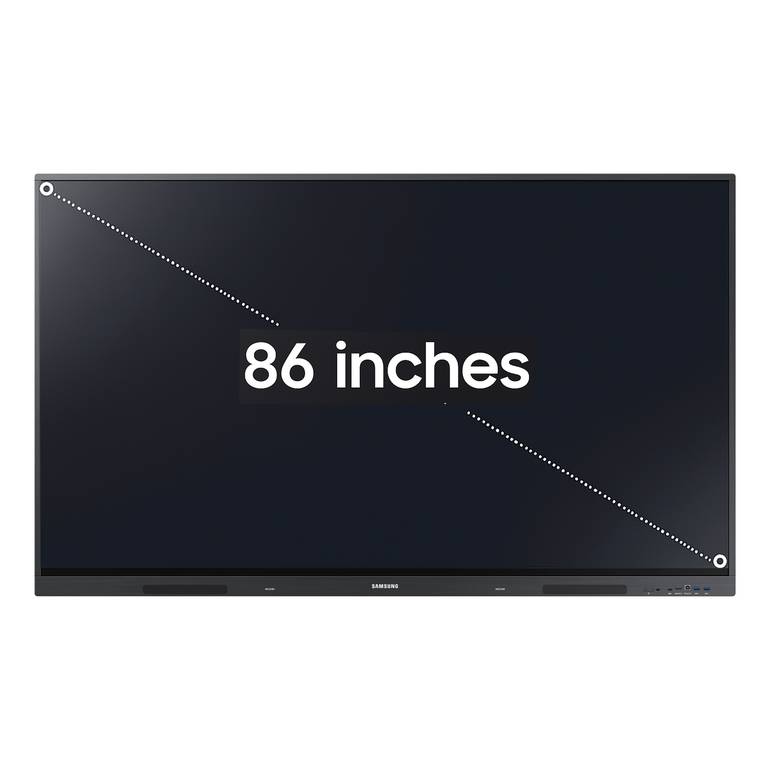
- High-Resolution Screens in Different Sizes: The screen is available in three sizes (65, 75, 86 inches) with 4K resolution (3840x2160), providing clear images and precise details.
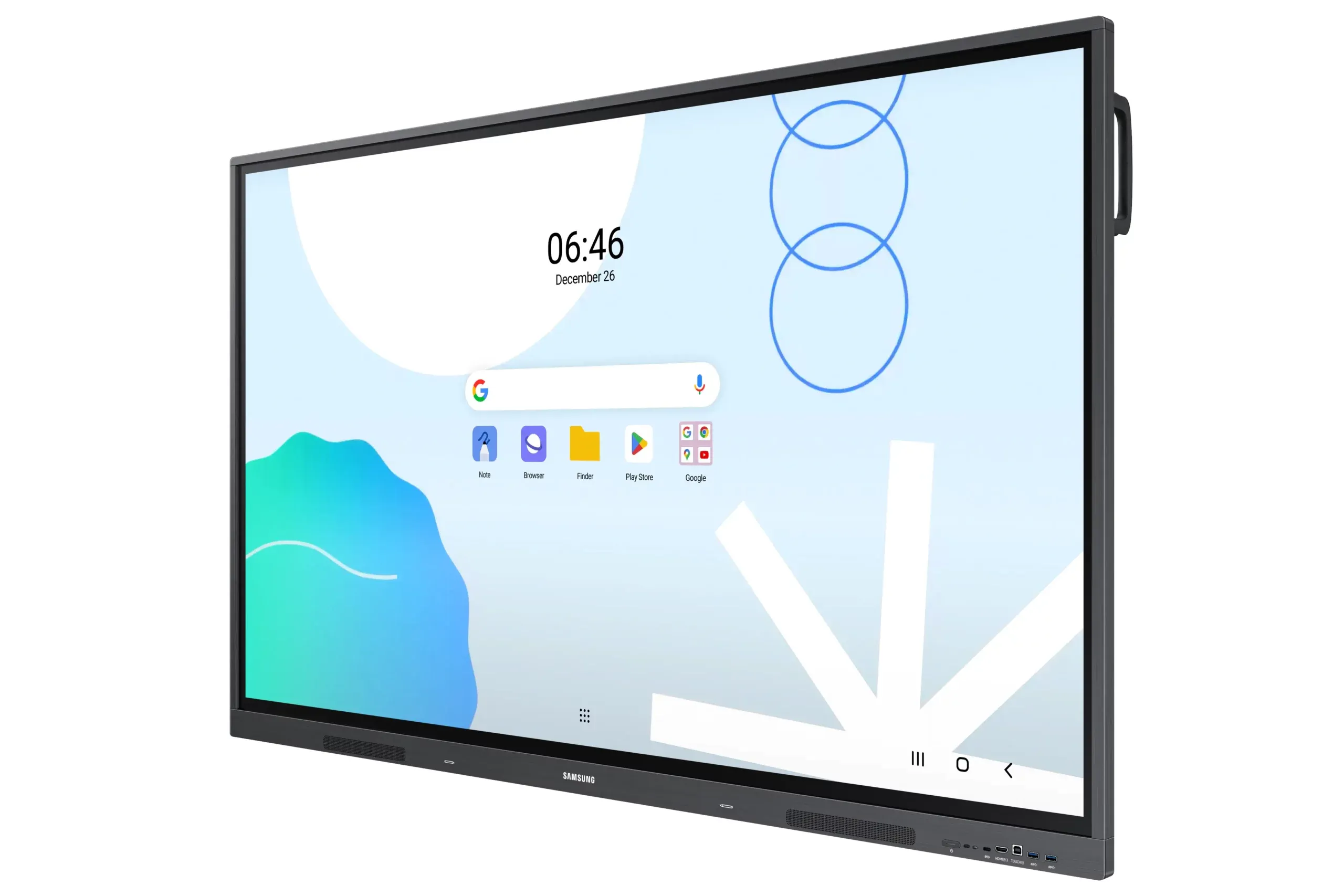
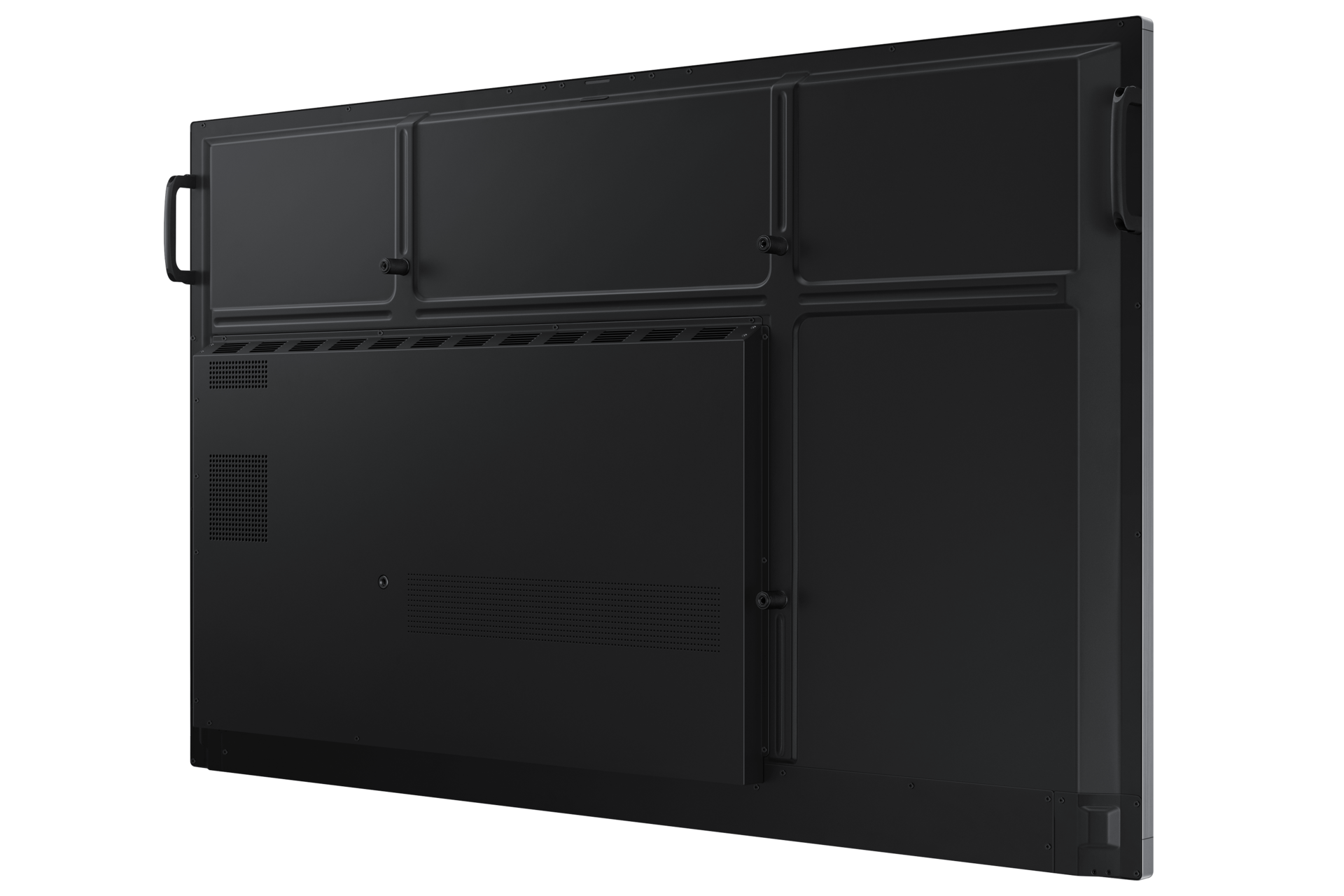
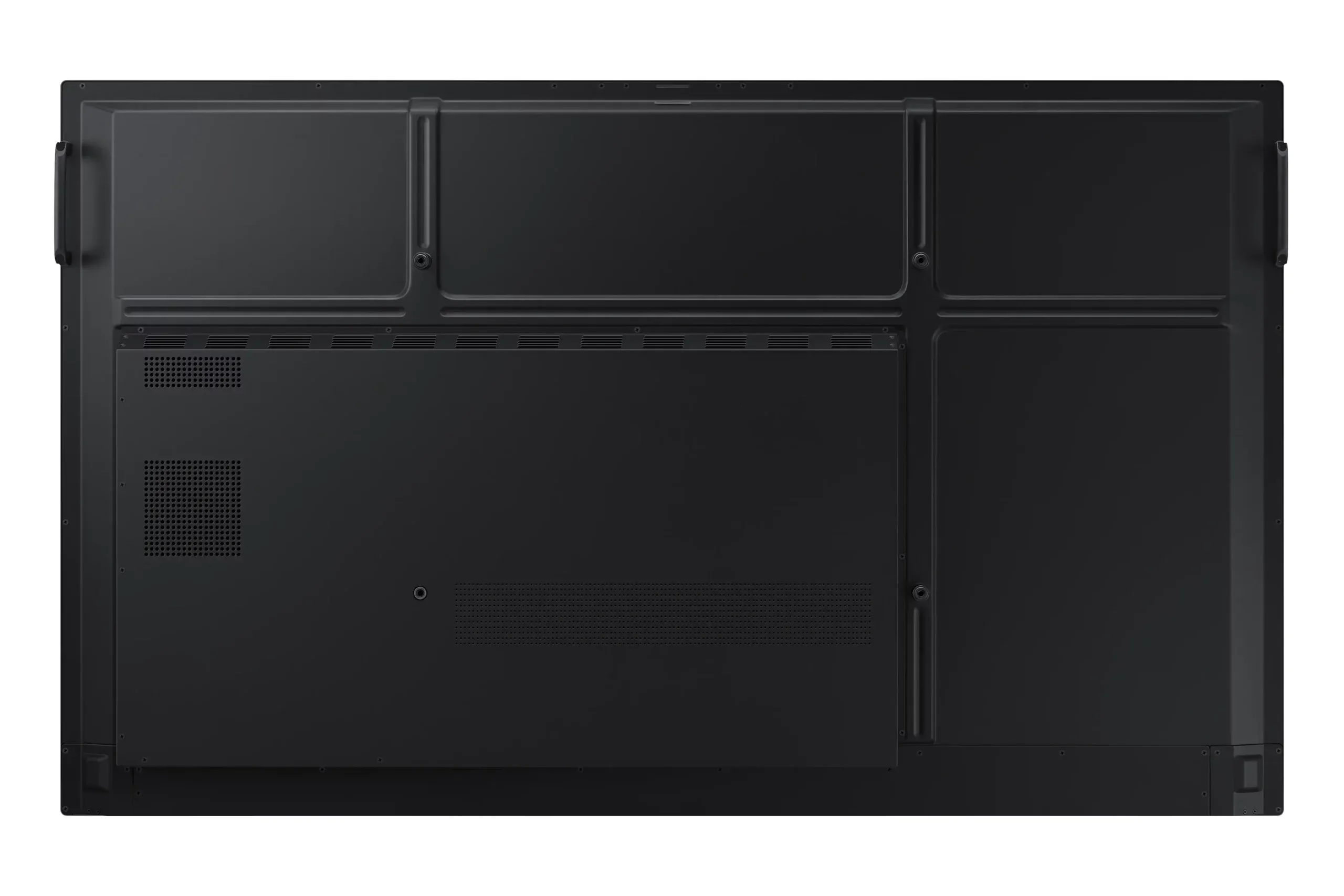
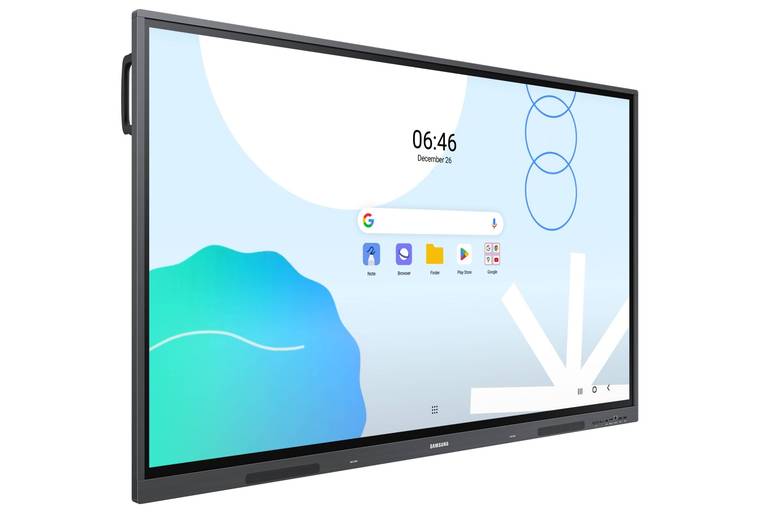
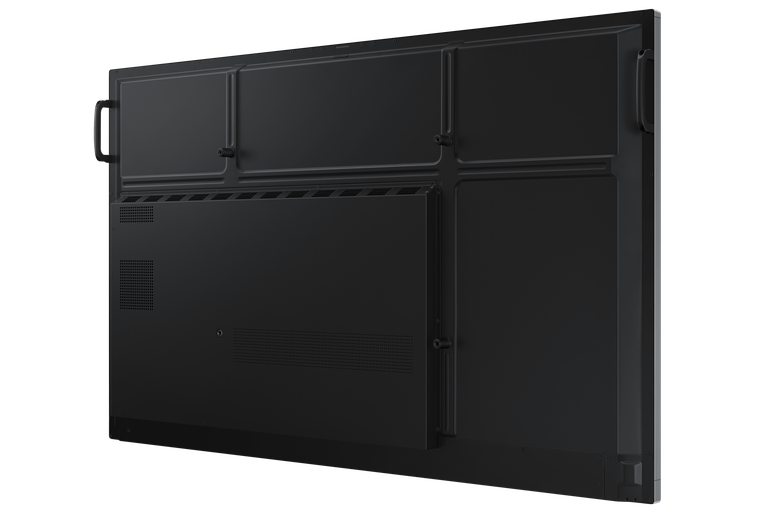
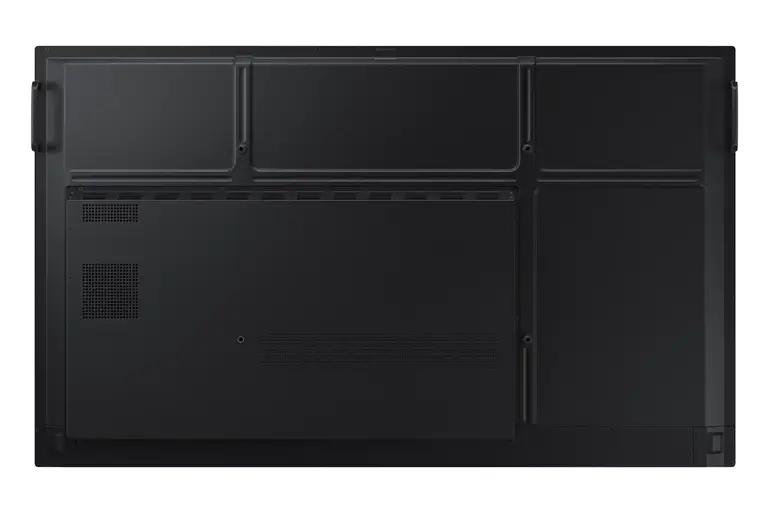
- Slim and Wall-Mountable Design: The screen can be mounted on the wall using VESA standards, saving space in the classroom and giving it a sleek appearance.
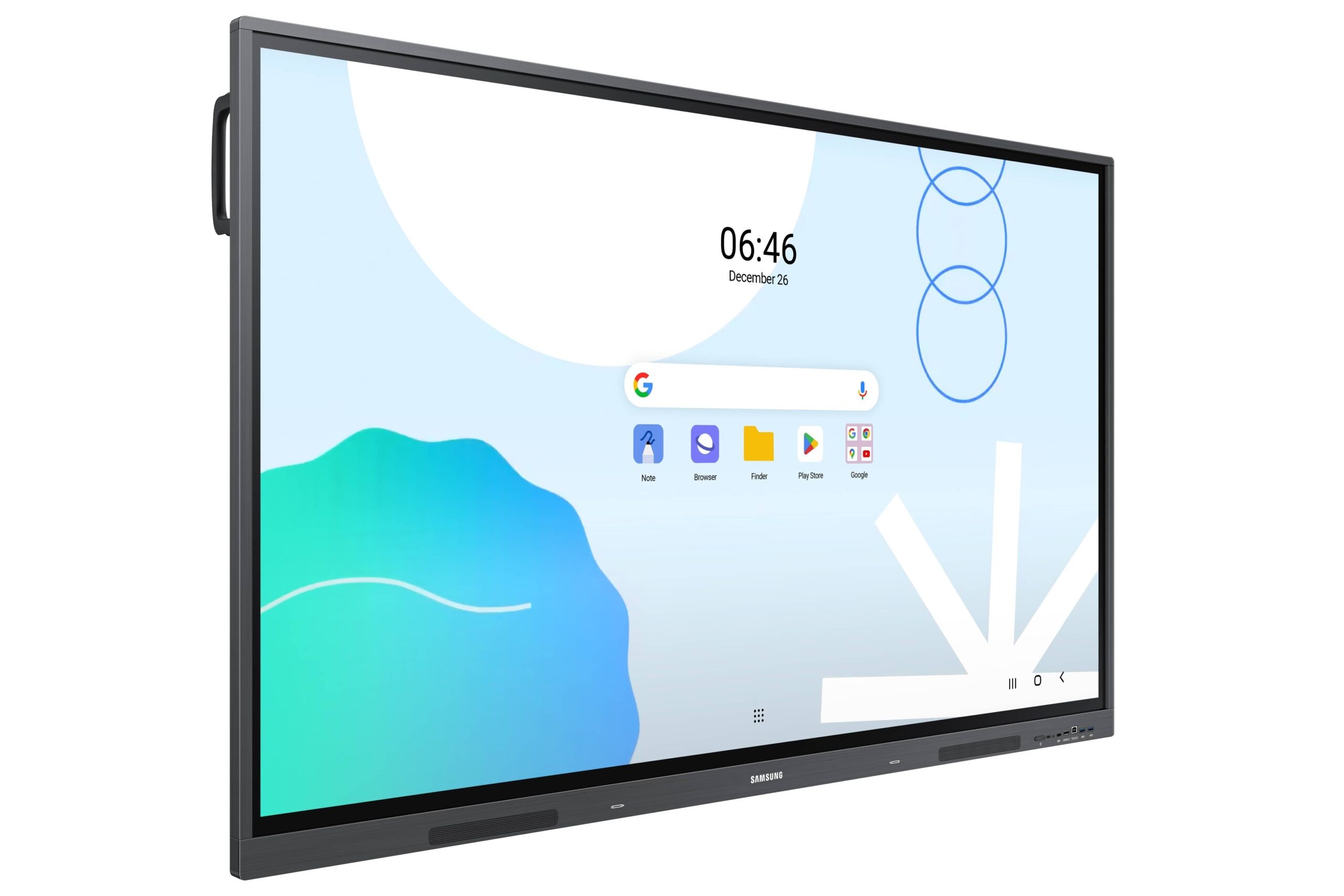
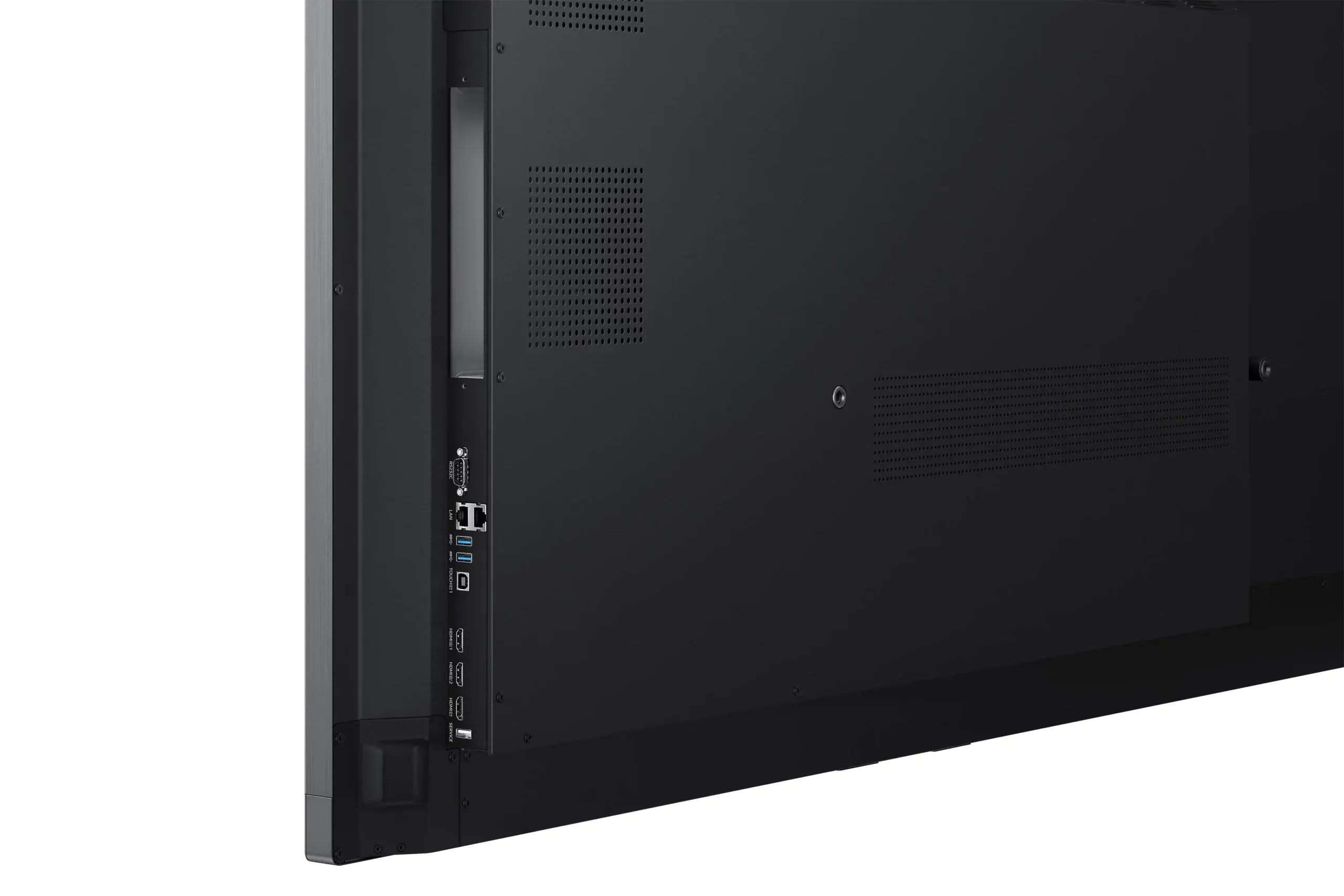
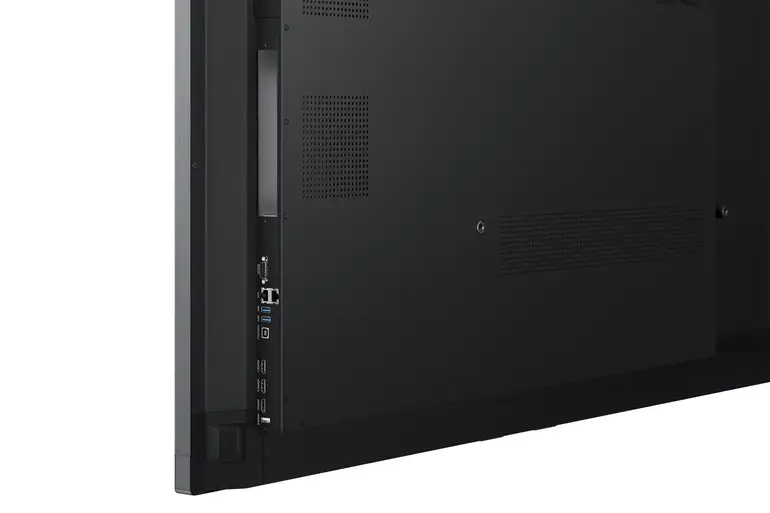
- Multi-Connectivity with Various Ports: The screen has a wide range of ports, including HDMI, USB-C, multiple USB ports, and Touch Out ports, ensuring easy connection of various devices.
- Updated Android 13 System: The screen runs on the latest version of the Android operating system, ensuring smooth and stable performance and modern features.
Unique Uses
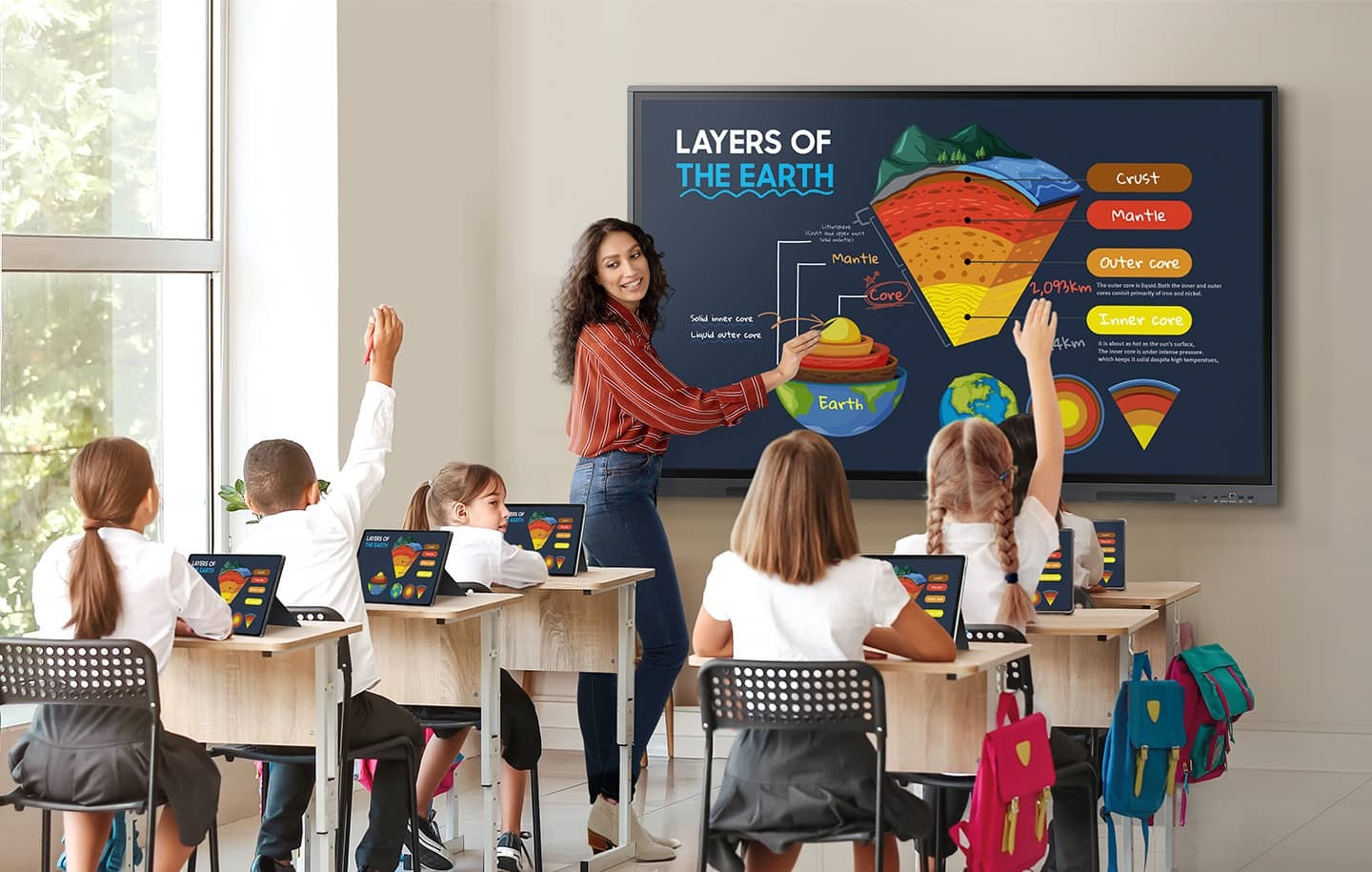
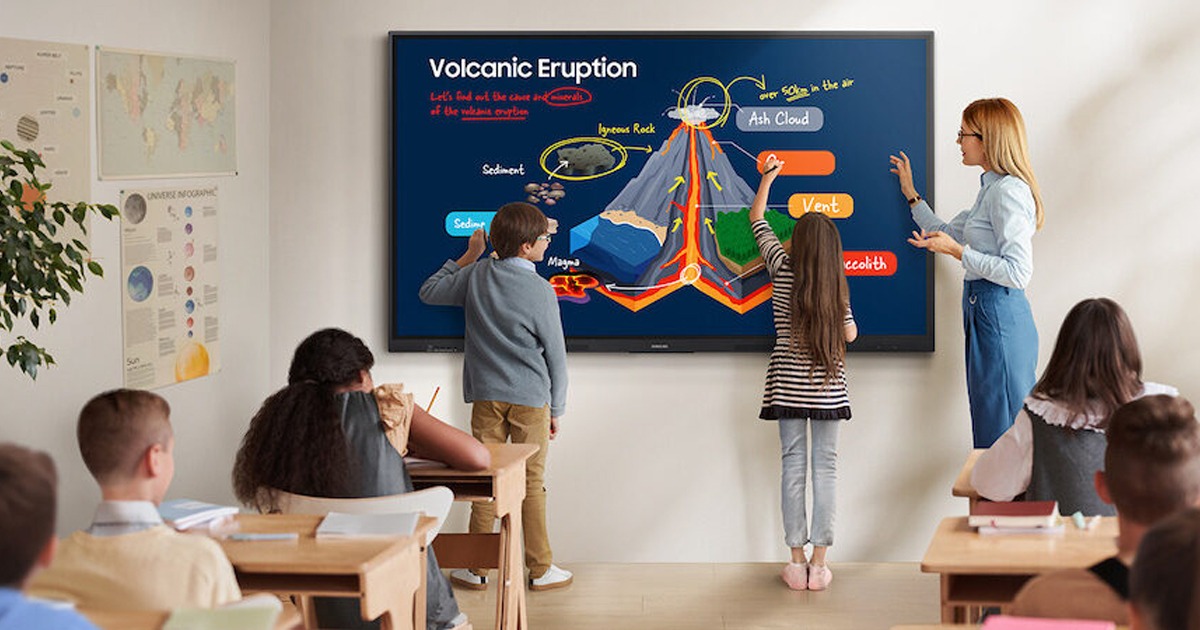
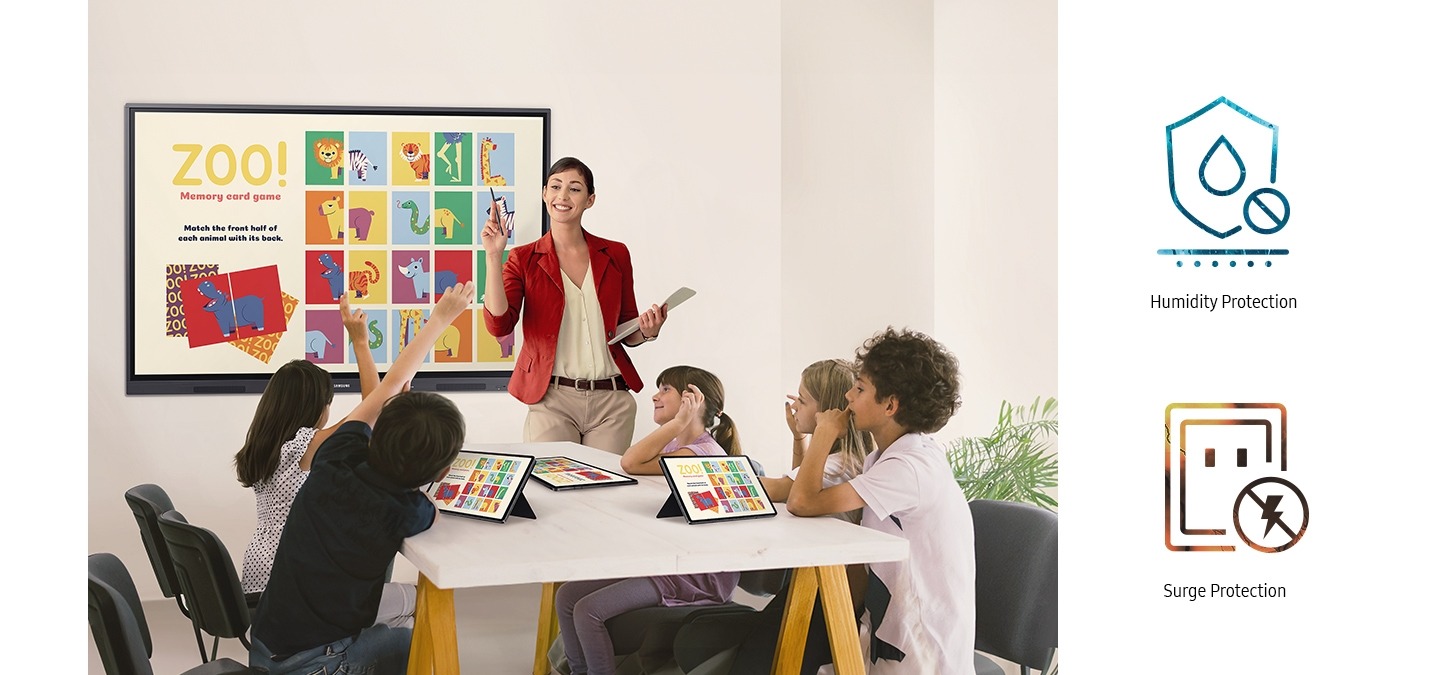
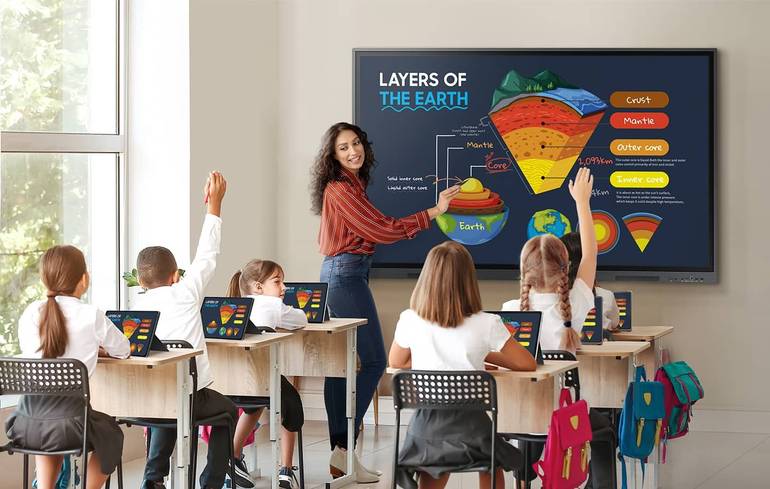
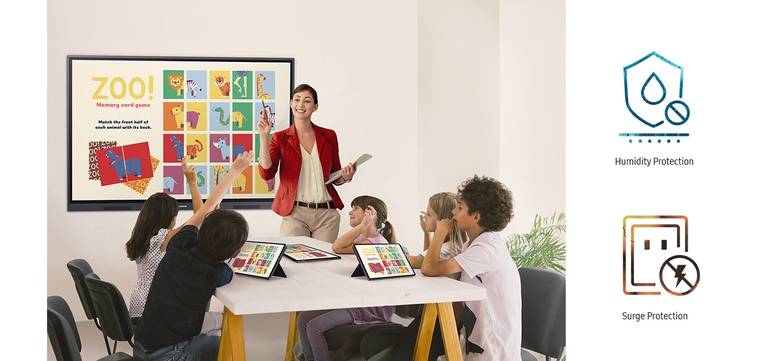
- Enhancing Classroom Interaction: The screen can be used as an interactive smart board, where teachers can present directly on it, making the lesson more interactive and engaging.
- Facilitating Daily Teacher Tasks: Thanks to the Android system and access to Google services, the teacher can easily use their favorite applications to prepare and deliver lessons smoothly.
- Teamwork in Projects: The multi-touch feature allows students to work on projects at the same time, enhancing collaboration and problem-solving skills.
- Delivering Professional Presentations: The screen can be used in conference halls and meetings to deliver presentations, with the ability to write and comment on them in real-time.
- Sharing Content from Students' Devices: Students can display their projects or research directly on the screen from their personal devices (phones, tablets, computers).
- Transforming the Screen into an Integrated Workstation: A keyboard and mouse can be connected via Bluetooth or USB, and the screen can be used as a regular computer thanks to the OPS slot.
- Supporting Distance and Hybrid Learning: The screen can be used in classrooms that use distance learning technologies, where teachers can seamlessly share their content with remote students.
- Using it as a Digital Advertising Display: The screen can be used in lobbies or public areas to display advertisements, alerts, or important information for students and visitors.
- Displaying Educational Content from Different Sources: Thanks to the multi-screen mode, teachers can display a YouTube video, a Google Drive document, and their own notes on the screen at the same time.
- Collaborating in Brainstorming: The screen can be used as a brainstorming tool, where participants can write and draw their ideas directly on the screen.
- An Ideal Solution for Large Classrooms: The HDMI Out feature can be used to connect the WAD screen to another display, ensuring that all students in spacious classrooms can see the content clearly.
- Assisting Students with Special Needs: The interactive screen can provide a more inclusive learning environment for students who may benefit from visual and tactile interaction.
- Providing a Healthy Eye-Care Learning Environment: Eye Care technology helps protect the eyes of students and teachers, making it ideal for prolonged use during the school day.
- Providing a Safe and Effective Solution for Schools: Thanks to the 802.1x security system, schools can be assured that their networks are secure when using the screen.
- Facilitating Remote Maintenance: Schools with multiple WAD screens can use the remote device management solution to update and maintain all screens from one location, saving time and effort.
Specifications
Samsung WAD Interactive Screen Specifications
| Feature |
Details |
Benefit to the User |
| Operating System |
Android™ OS |
Familiar and user-friendly interface, with the ability to customize to suit the needs of teachers and students. |
| Interactive Touch |
40 simultaneous touch points |
Enables effective group collaboration, where multiple users can write or draw at the same time. |
| Content Management |
Google Play and Google Services |
Easy and secure access to a wide range of educational applications and content, which enhances the learning experience. |
| Screen Sharing |
Wireless sharing up to 9 devices |
Allows for easy content sharing between the screen and personal devices, increasing student engagement. |
| Connectivity |
Front 3-in-1 USB-C port |
Combines charging, screen mirroring, and touch control in one port, providing seamless and convenient connectivity. |
| Writing and Drawing |
Dual Pen |
Allows for quick switching between two different colors without changing settings, maintaining smooth explanations. |
| Sound Quality |
Front 15W speakers |
Provides clear and audible sound for all students in the classroom, enhancing the quality of visual content. |
| Eye Care |
TUV Eye Care Certified |
Reduces eye strain thanks to blue light reduction and anti-glare surface properties. |
| Security and Management |
Remote device management solution |
Multiple screens in the school can be managed remotely, saving time and effort for maintenance teams. |
| Versatility |
HDMI Out and OPS slot |
Allows for content display on a second screen and supports transforming the screen into a Windows-based computer. |
Samsung WAD Interactive Screen Specifications
Screen
| Diagonal Size |
Multiple |
| Panel Type |
IPS |
| Resolution |
3,840 × 2,160 (4K) |
| Brightness (Typical) |
400 nits |
| Contrast Ratio |
1,200:1 |
| Viewing Angle |
178/178 degrees |
| Response Time |
8ms |
| Glass Haze |
25% |
Connectivity
| HDMI In |
3 |
| USB |
5 (1x 2.0, 4x 3.0) |
| IR In |
Yes |
| Audio In |
Mini Stereo |
| Audio Out |
Mini Stereo |
| Video Out |
Yes |
| Wi-Fi |
Yes |
| Bluetooth |
Yes |
Power and Operating Conditions
| Power Source |
100-240V AC |
| Power Consumption (On) |
486W |
| Power Consumption (Sleep) |
0.5W |
| Operating Conditions |
| Temperature |
0-40 degrees C |
| Humidity |
10-90% |
| Operation Support |
12 hours / 7 days |
Dimensions and Weight
| Screen Dimensions (W×H×D) |
1957 × 1160 × 99 mm |
| Screen Weight |
56.5 kg |
| Package Dimensions |
2110 × 1283 × 225 mm |
| Package Weight |
74.3 kg |
| VESA Mount |
800 × 600 mm |
Mechanical and Additional Specifications
| Mechanical Specifications |
| Bezel Width (Top/Right/Left) |
16.4 mm |
| Bezel Width (Bottom) |
44.9 mm |
| Bezel Color |
Space Gray |
| Bezel Material |
Matte |
| Additional Specifications |
| Operating System |
Android 13 |
| Storage Capacity |
64 GB |
Certifications
| Touch Support |
Yes |
| Touch Technology |
IR (Infrared) |
| EMC Certification |
Part 15, Subpart B Class A |
| Safety Certification |
IEC 62368-1, IEC 60950-1 |
Enjoy browsing a wide selection of electronic offers and products that meet your daily needs and at discounted prices
and the highest levels of quality from Afaq Al-Hasoob. Order now and we will deliver your order as soon as possible.